⏳ Countdown Timer
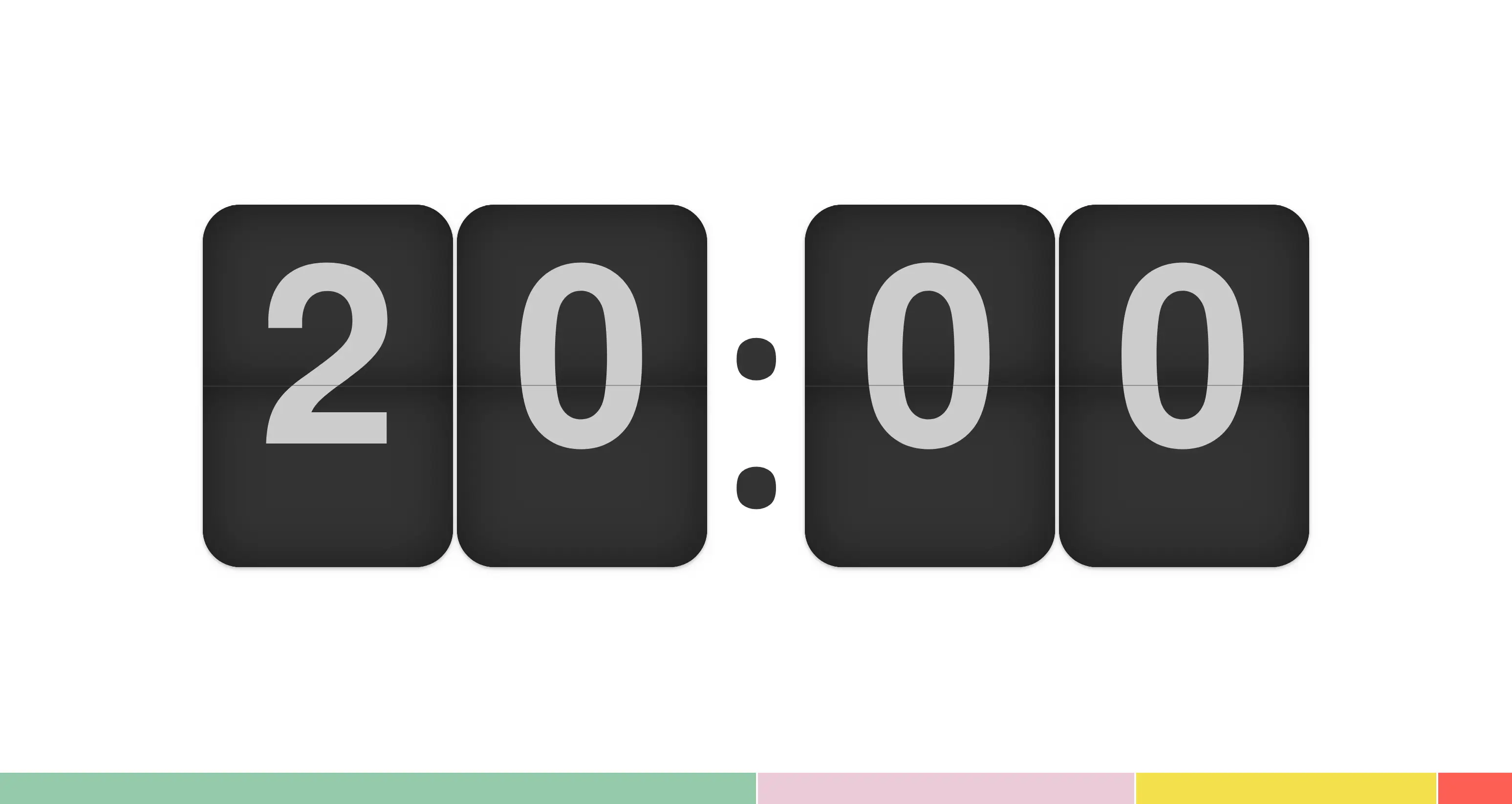
A countdown timer provides a clear indication of the time remaining before the next part of your event. It's perfect for managing talks, breaks, workshops, and Q&A sessions while helping everyone stay on schedule. It also gives speakers a reassuring visual reference during their presentation.
The countdown timer can be controlled remotely, making it easy to manage your event without constantly walking back to the control booth.
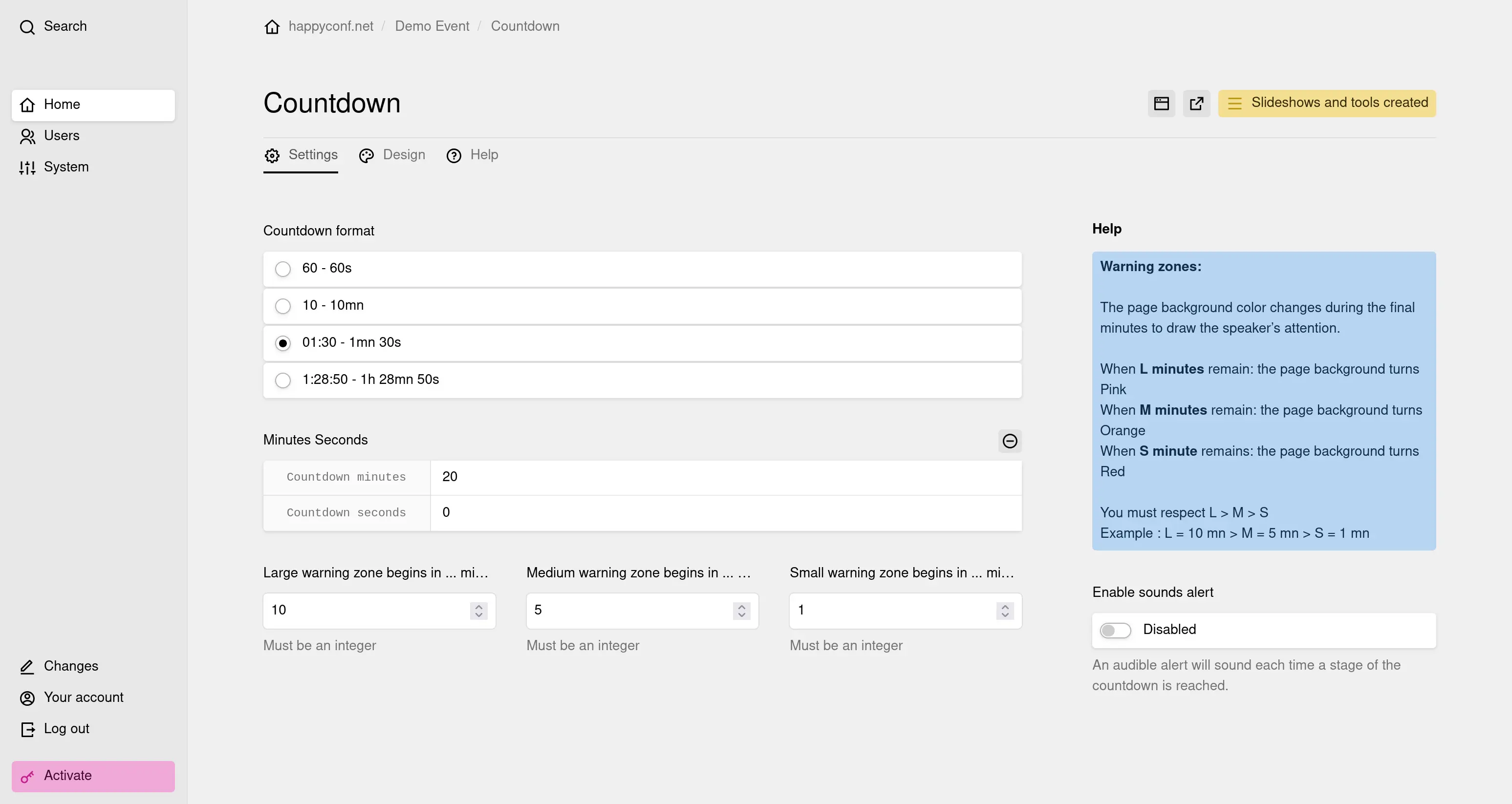
Available settings:
- Time display format.
- Pause and resume.
- Reset the timer.
- Add or subtract time.
- Visual and/or audio alerts at configurable intervals.
- Display a custom message.
- Graphic theme selection.
- Remote control (requires a stable Wi-Fi or 4G connection).
- Remote administration dashboard.
- QR code or short URL to open the countdown timer in any web browser.
How it works:
- Configure your countdown timer from your administration dashboard.
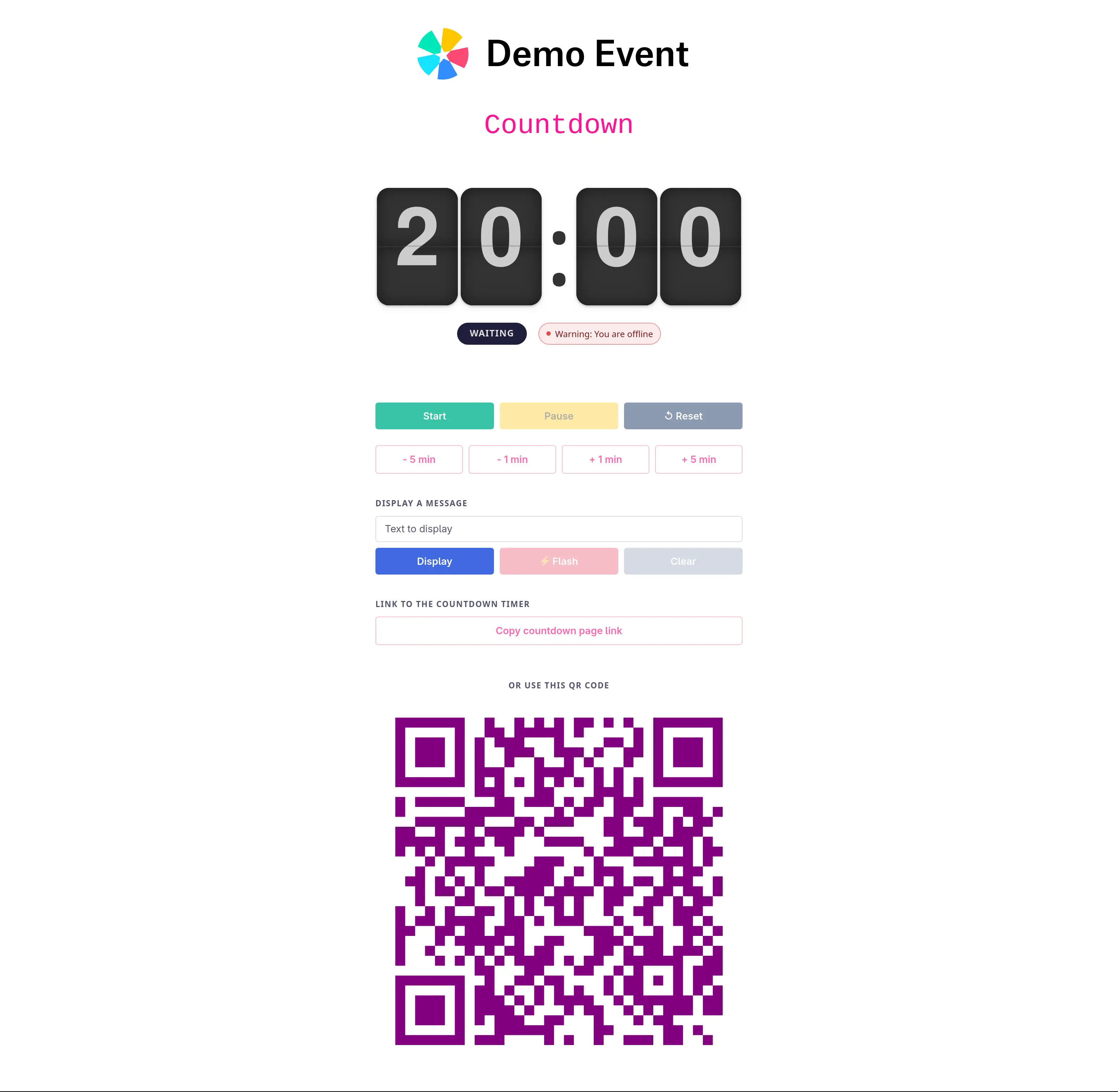
- Open the control panel on your smartphone or laptop.
- You or the speaker scans the QR code to display the timer on another phone or tablet.
- Start and control the countdown remotely from your phone.
Remote control panel
Countdown timer display
Configuration options