Add a touch of WOW! to your conferences

Animated slideshows to showcase your speakers, sponsors, organisers, announcements and quotes. Plus handy tools to make your life easier: a remote-controlled countdown timer, a clock, and a prize draw for attendees.

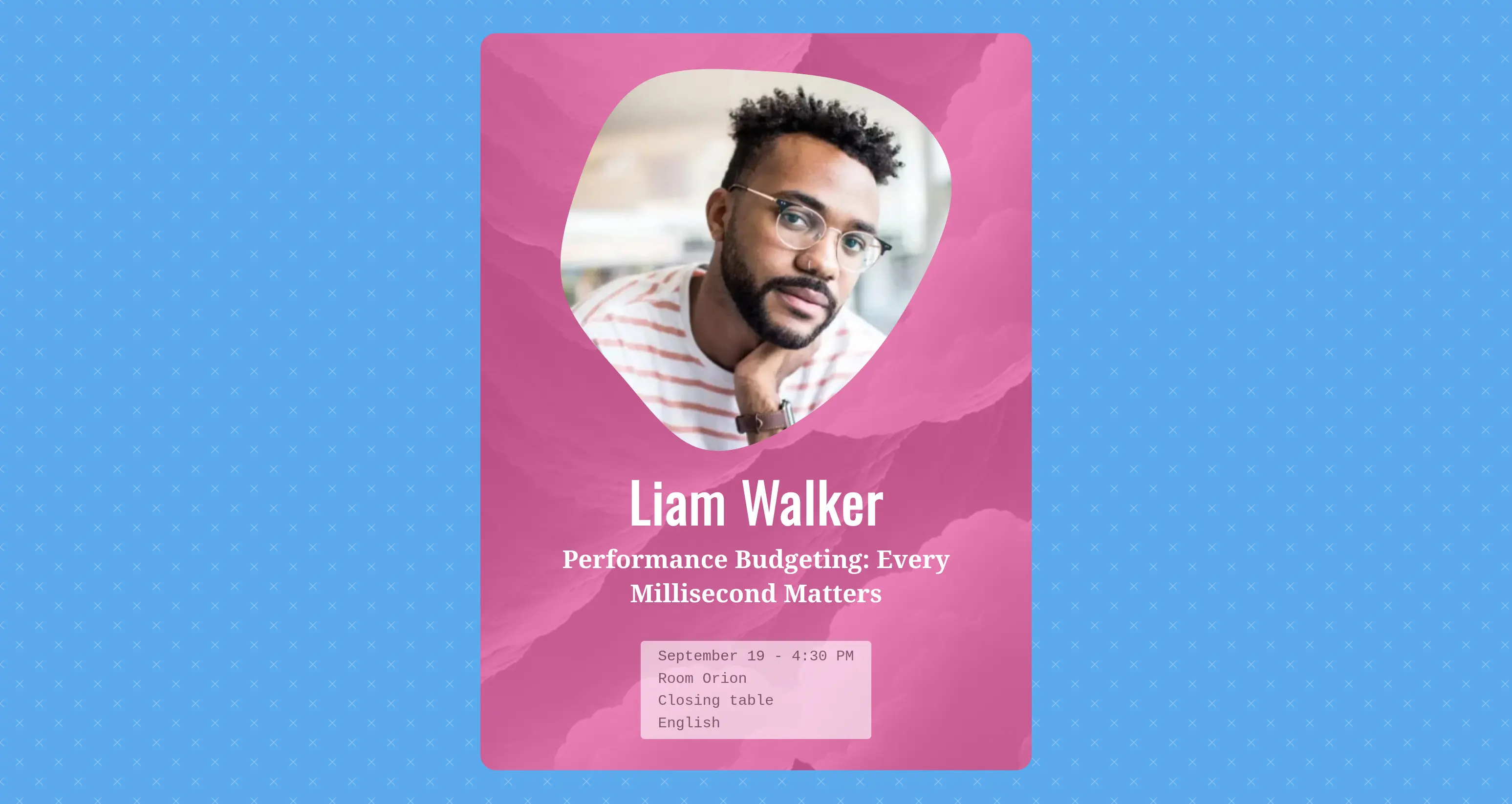
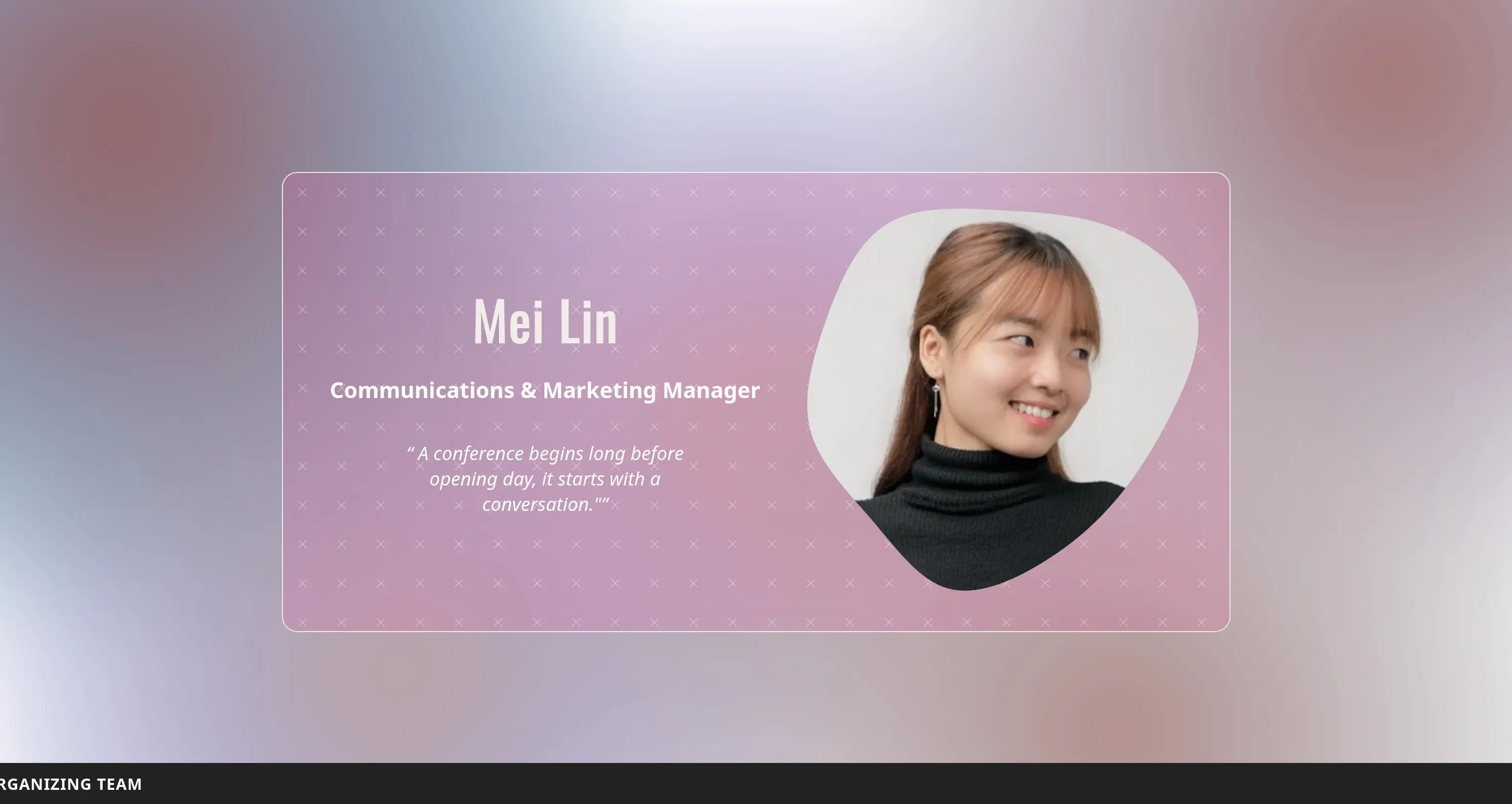
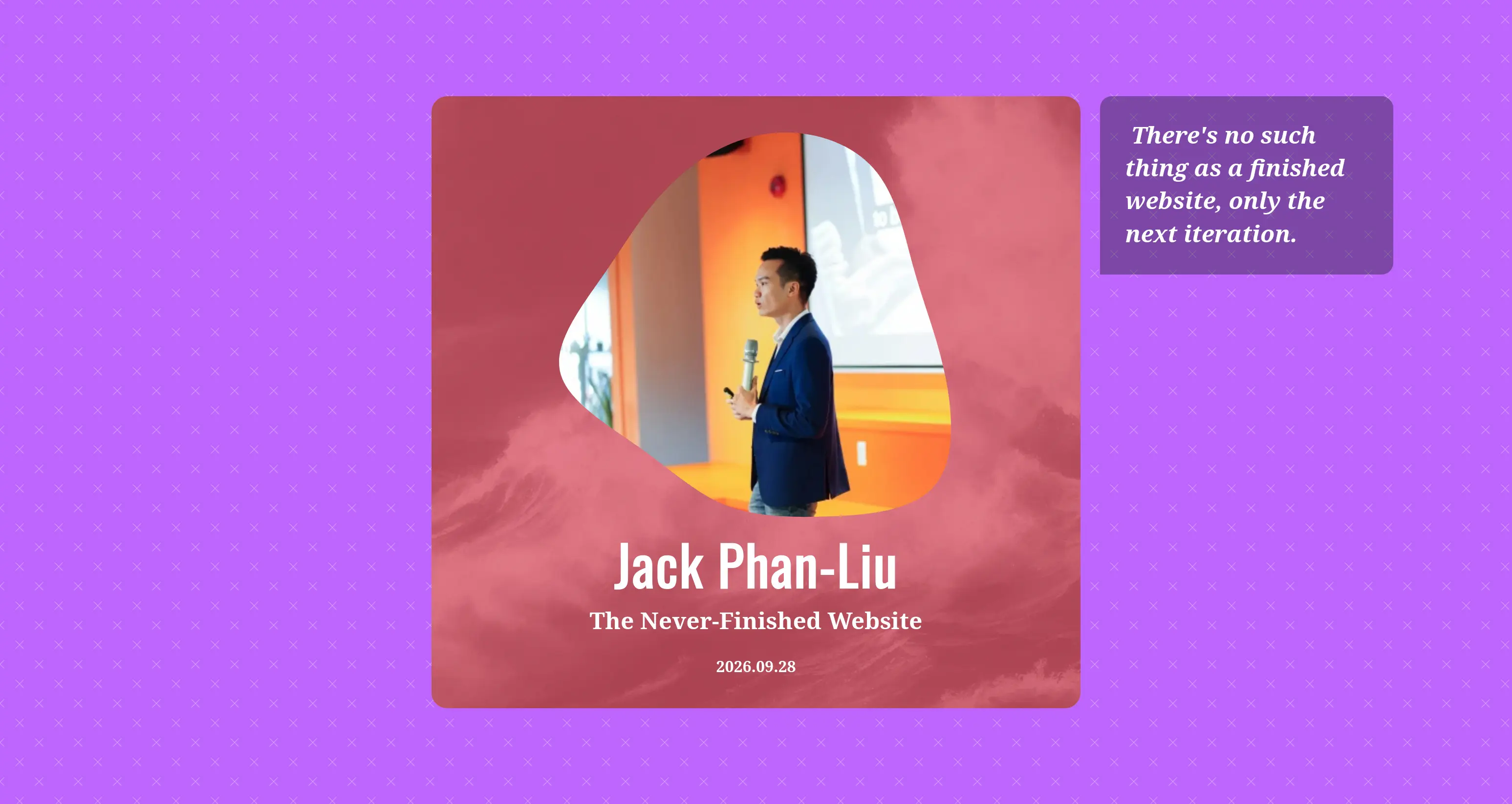
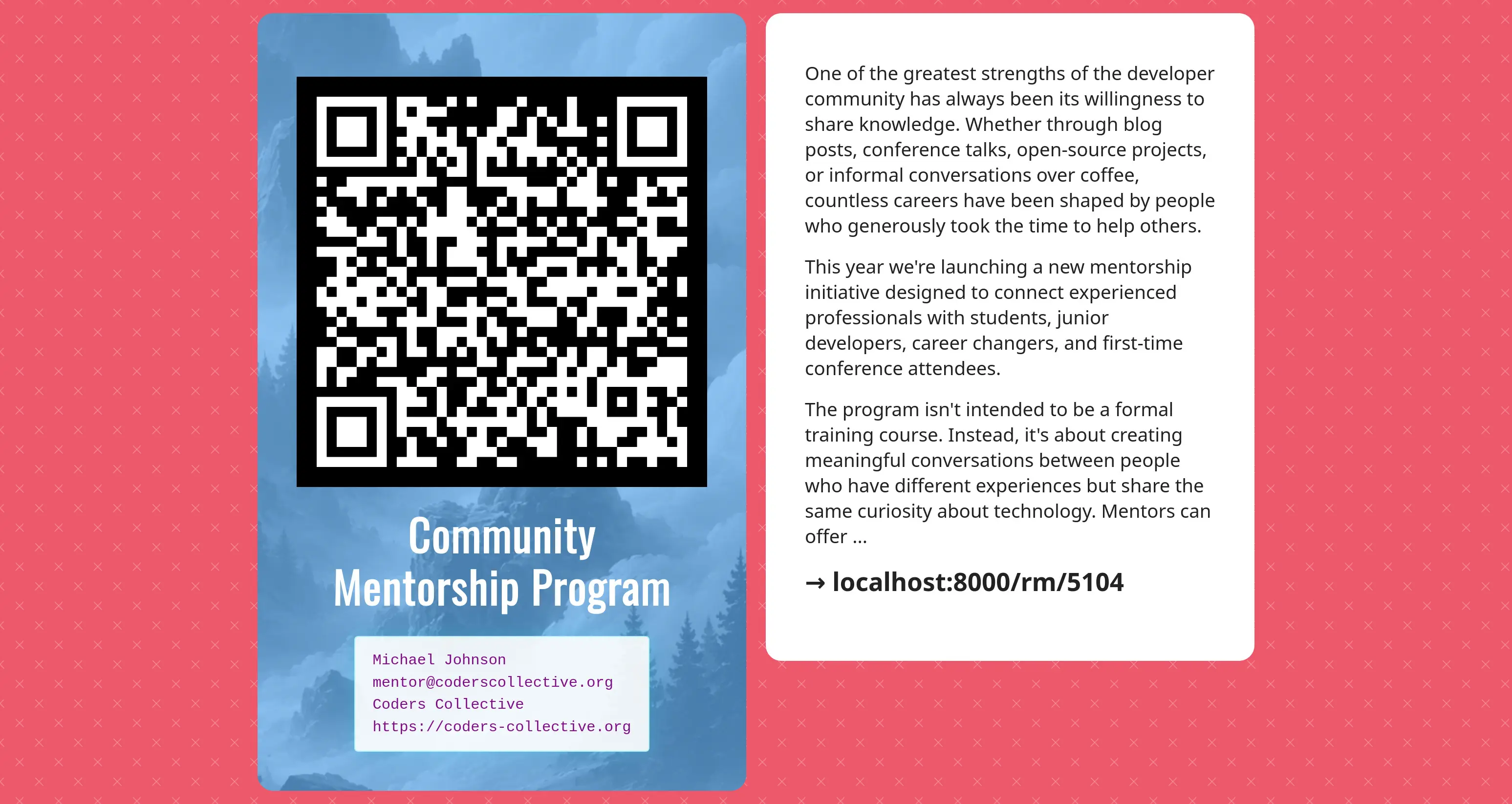
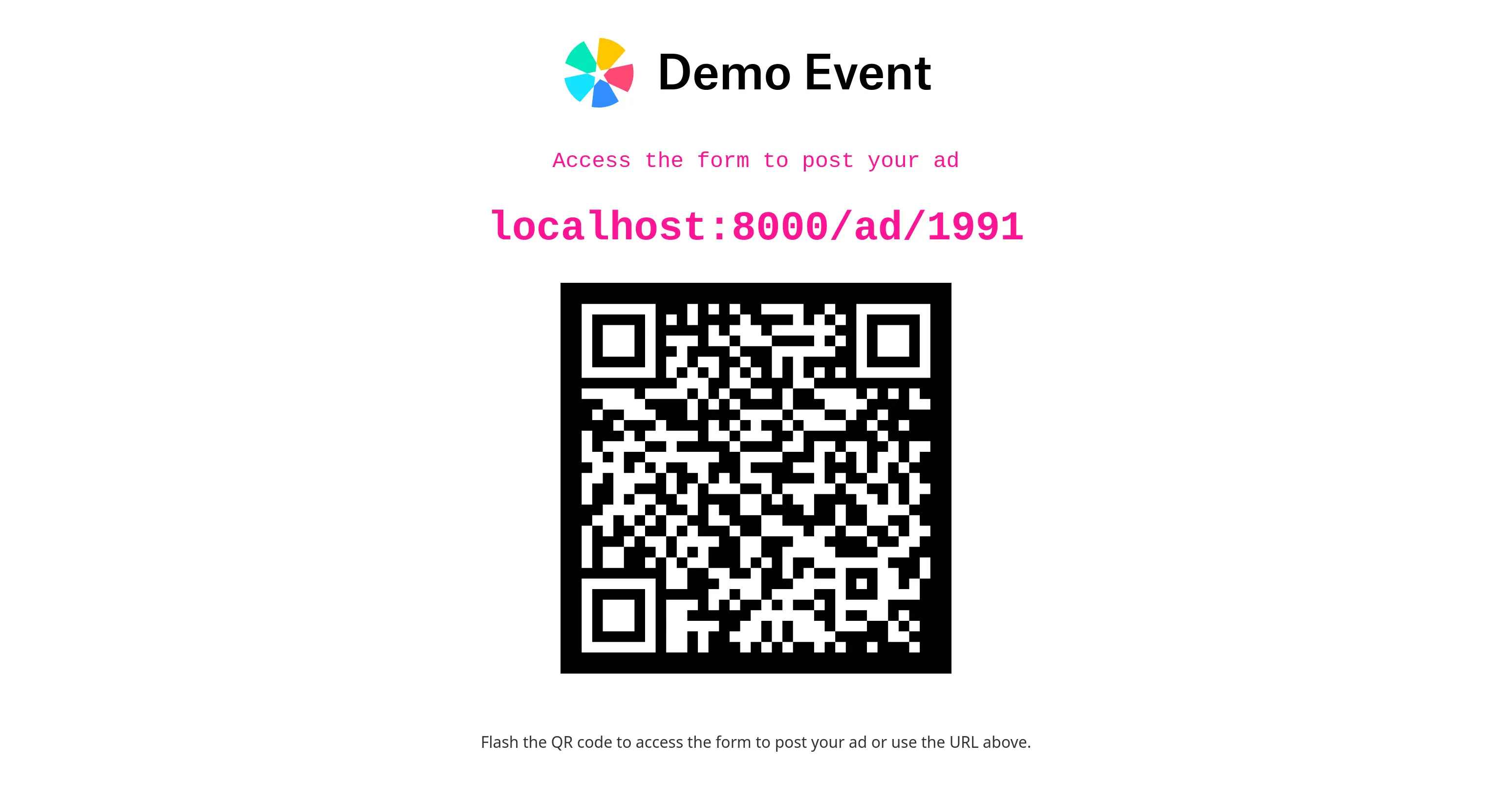
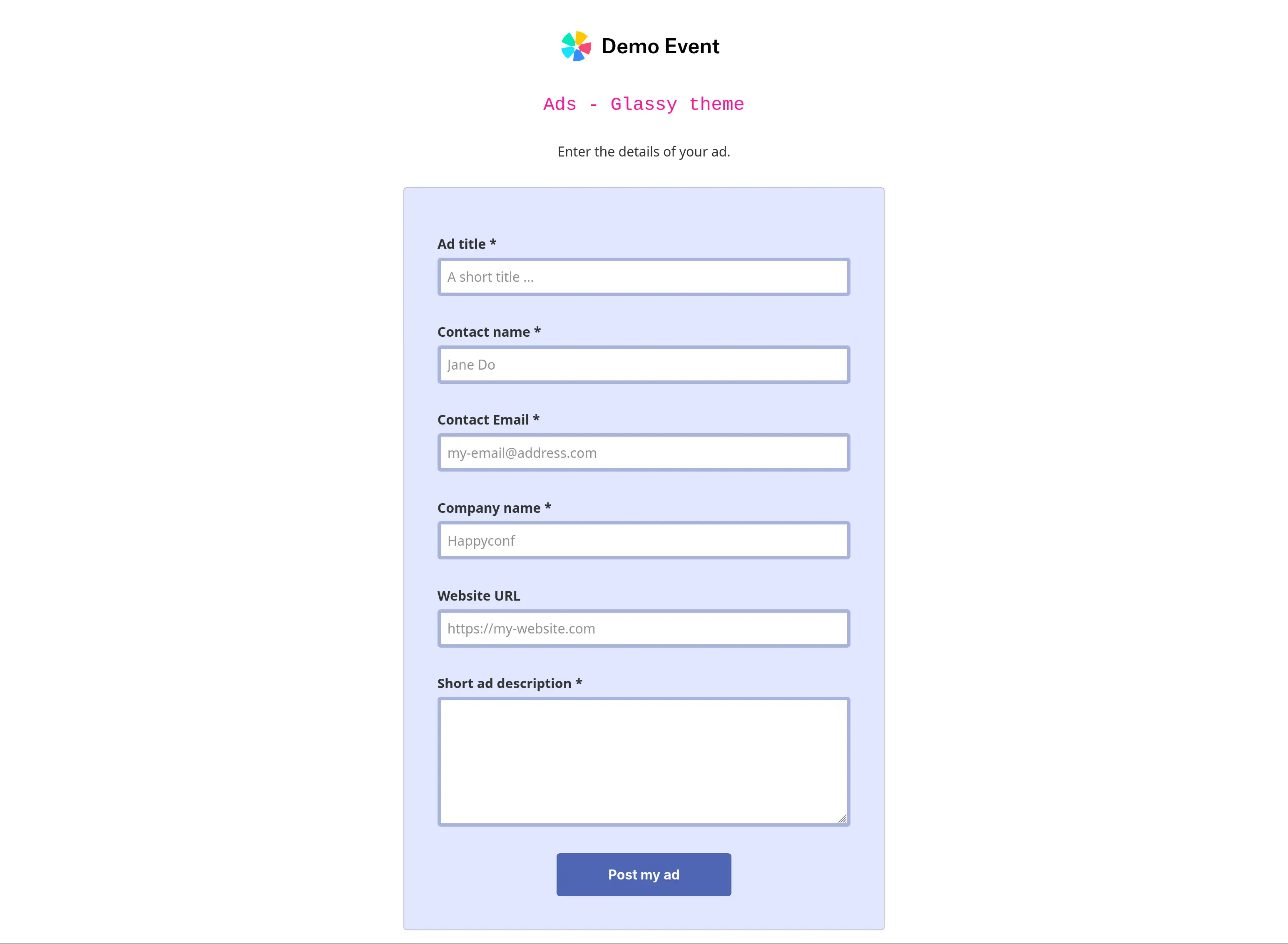
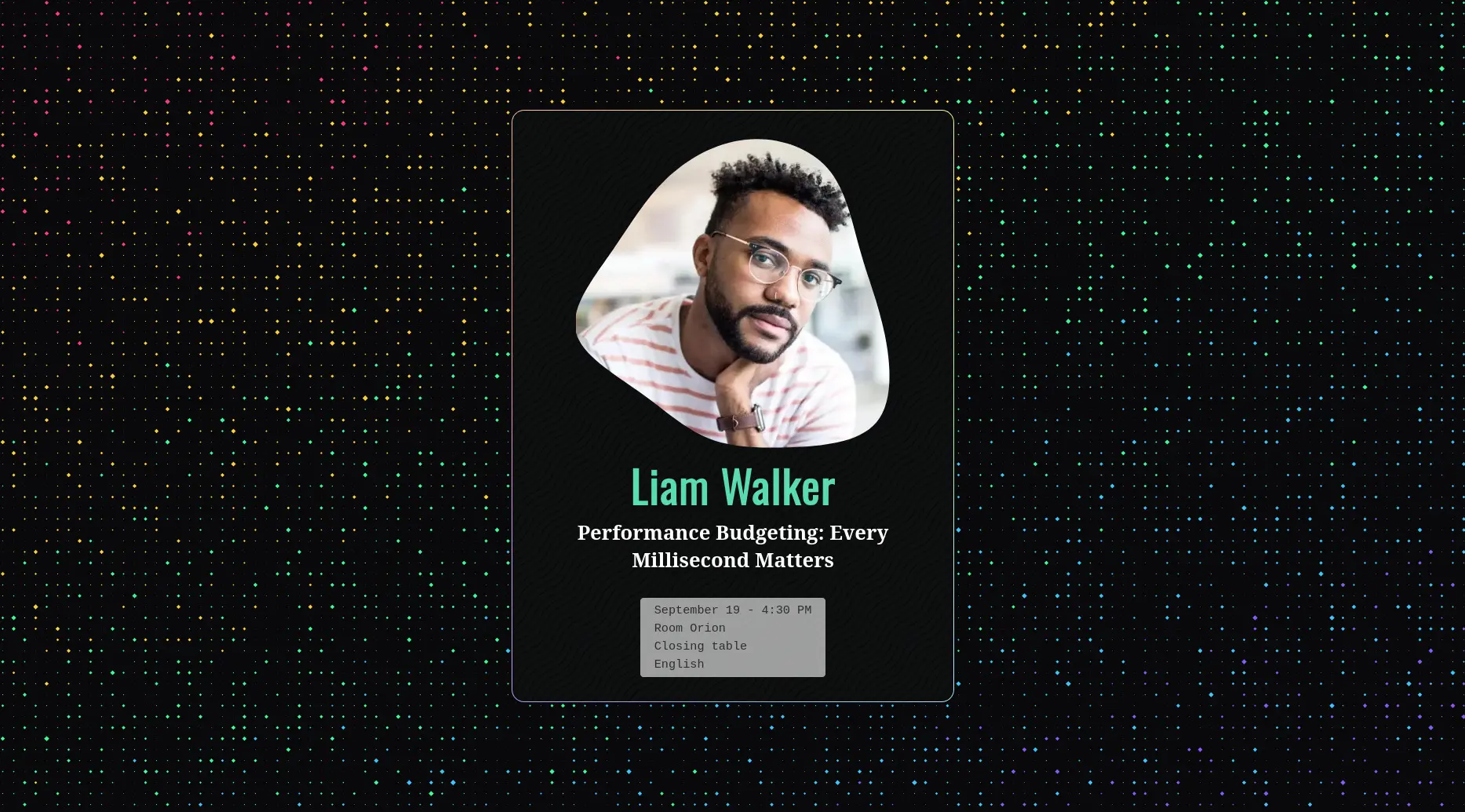
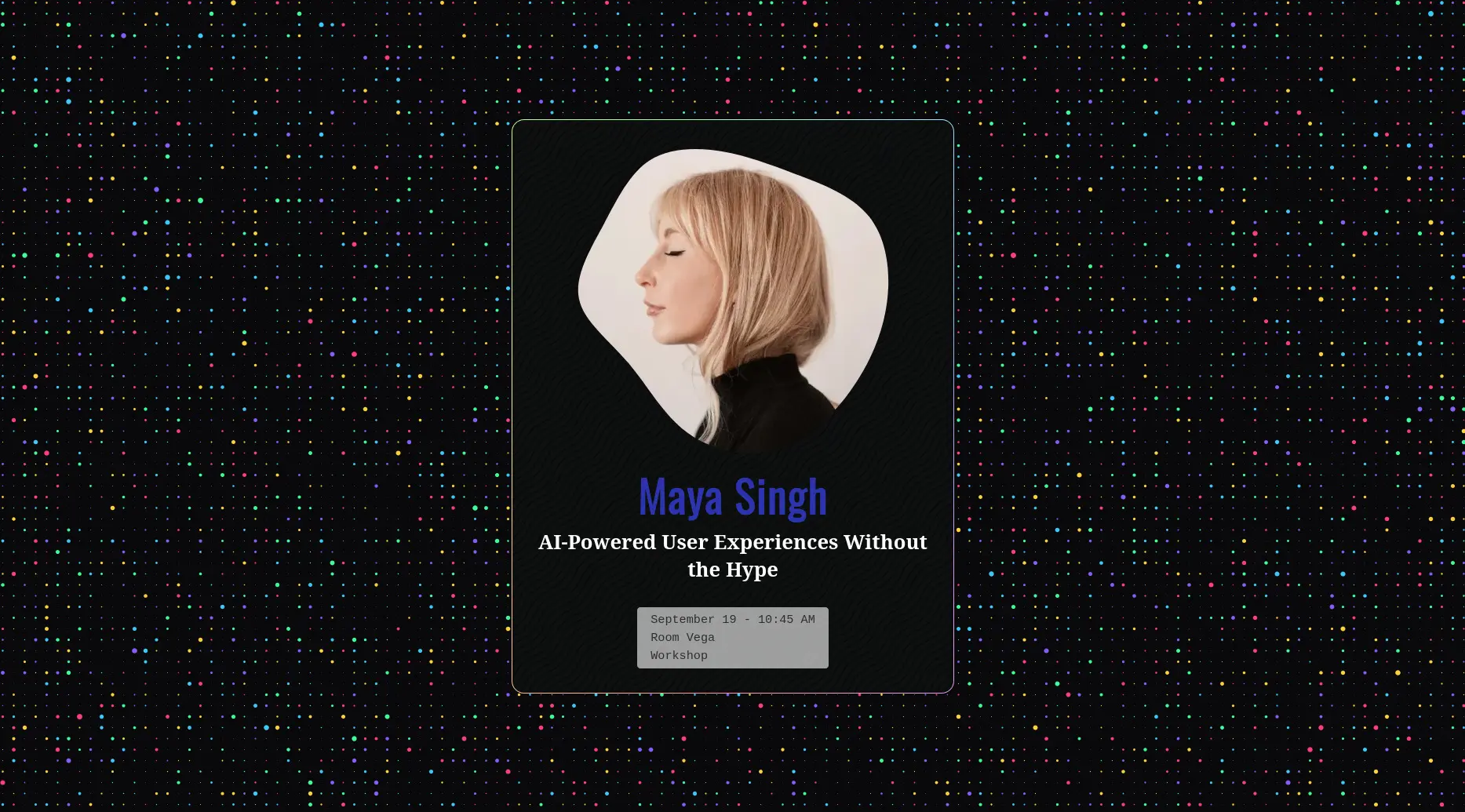
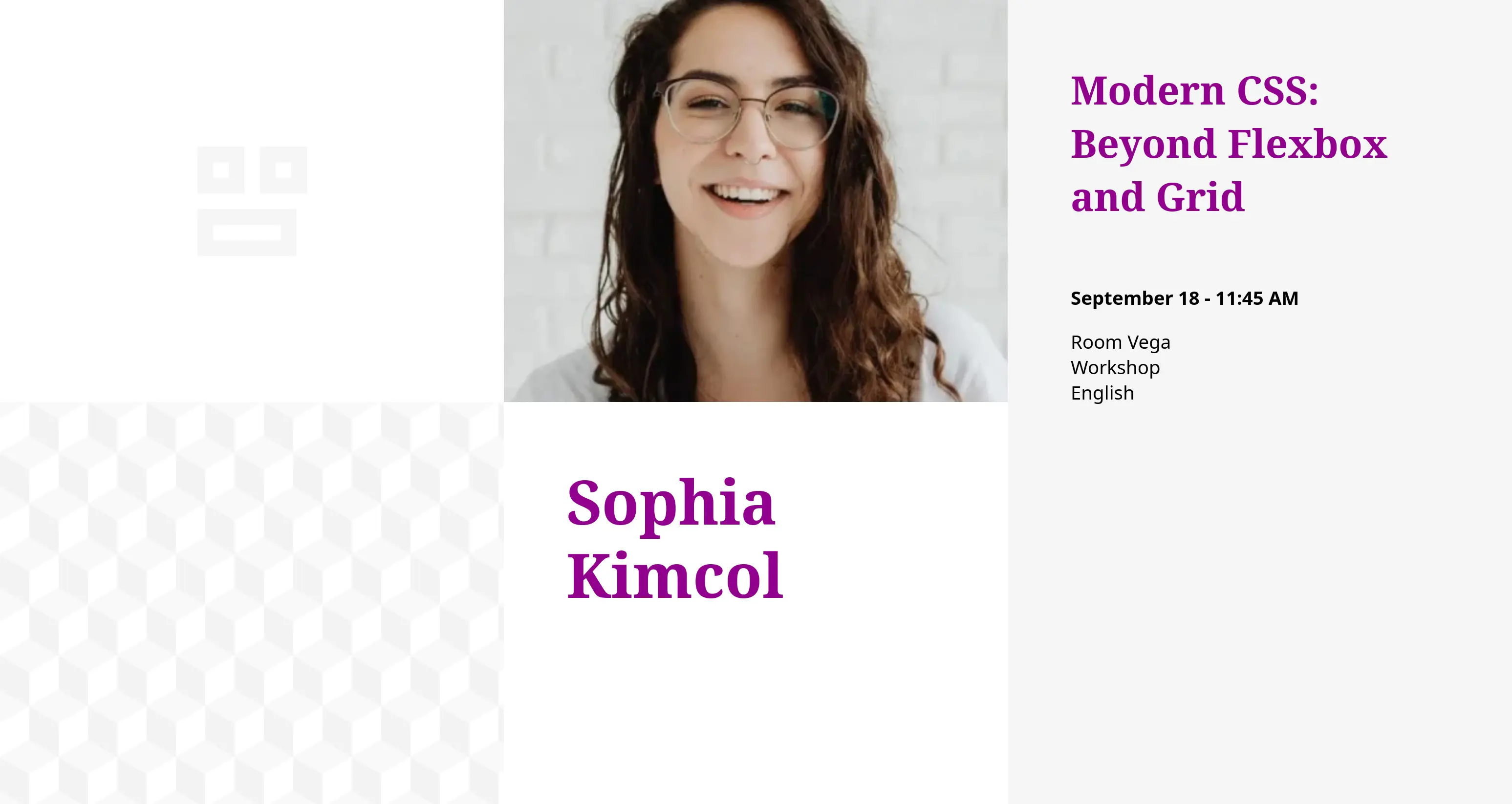
Speakers slideshow screenshot Organizers slideshow screenshot Sponsors slideshow screenshot Quotes slideshow screenshot Ads slideshow screenshot Clock slideshow screenshot Random drawing slideshow screenshot Countdown slideshow screenshot Ads QR Code screenshow Ads form screenshow
What we want to avoid

Is at least one of the points below a source of stress for your organising team? If so, keep reading…

// 01

Blank screens = missed opportunities

During breaks, the room screen often stays frozen on a logo, or worse, is turned off. Yet this is exactly when you could be using it to communicate, inform, showcase and entertain.

// 02

Unhappy sponsors = funding at risk

They paid to support you, but also to be seen. Without clear visibility for their logo and offer, the moral and commercial agreement you have with them isn't fully honoured.

// 03

Rushed slides = wasted time

Between logistics, the programme, finding sponsors and managing attendees… nobody has hours to spare designing slides just to fill the screens during breaks.

// 04

Improvised tools = lost credibility

A phone timer propped up on stage, an improvised prize draw… it works, but it doesn't do your professional image any favours.

How happyconf.net can help

Animated slideshows

HappyConf.net helps you present valuable content to your audience with elegance, no software installation required. Just open your web browser and you're ready to go.

🎙️

Speakers

Present your schedule by highlighting speakers and their talks.

Learn more ...
💎

Sponsors

Give your sponsors the visibility they deserve, they'll remember it next year.

Learn more ...
💈

Announcements

An easy way to create meaningful connections between attendees.

Learn more ...
✒️

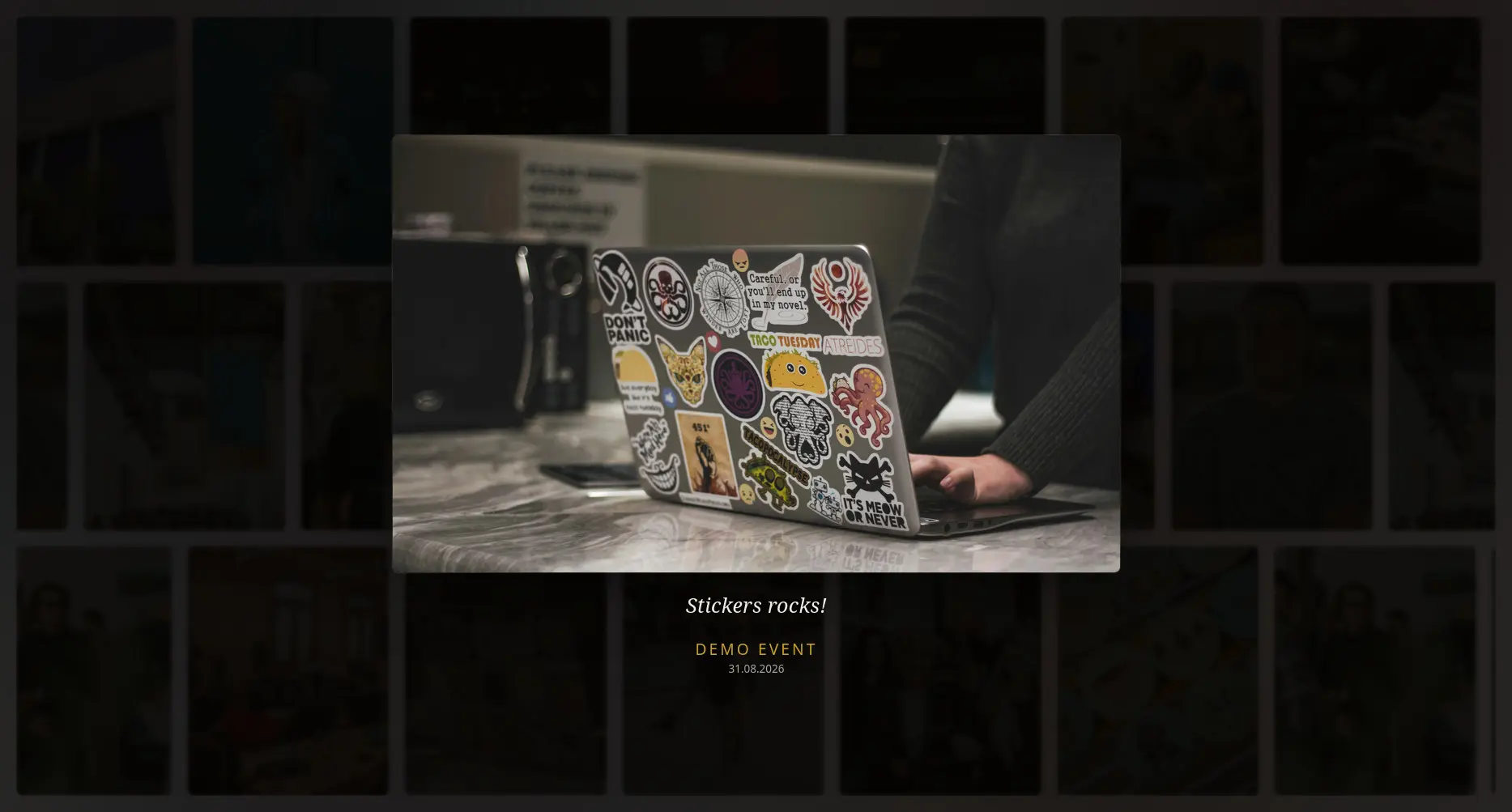
Quotes

Relive your event's best moments in a fun and friendly way.

Learn more ...
👑

Organizers

They've worked hard for months. Honor the people who made your event possible.

Learn more ...
happyconf.net takes care of the design

Visual themes

Pick a ready-made visual theme, add your content, and broadcast it. No design skills needed, happyconf.net takes care of everything.
More themes coming soon.

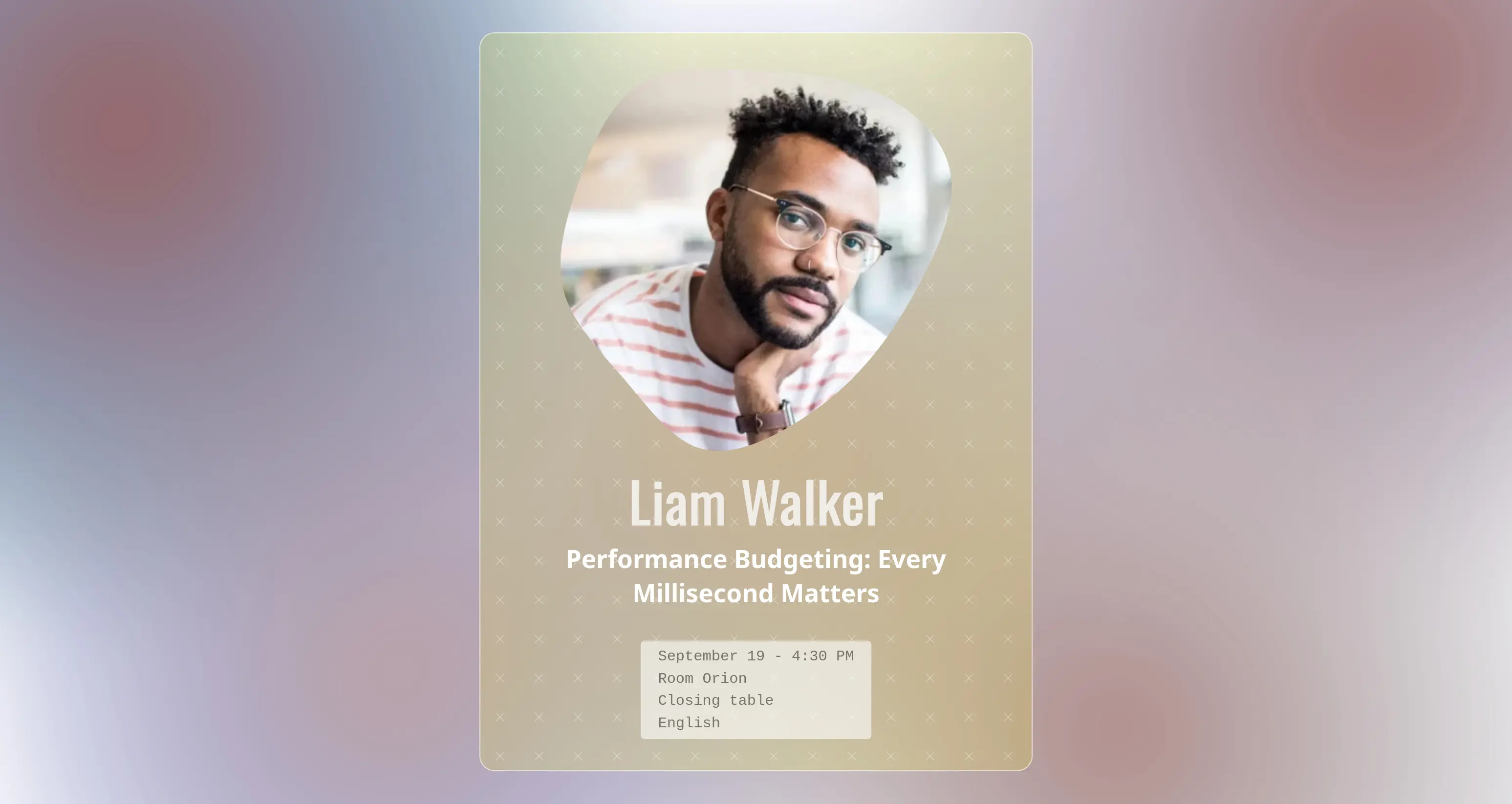
Speakers slideshow screenshot
Romantic
Warm, colourful
Speakers slideshow screenshot
Glassy
Tech, minimal
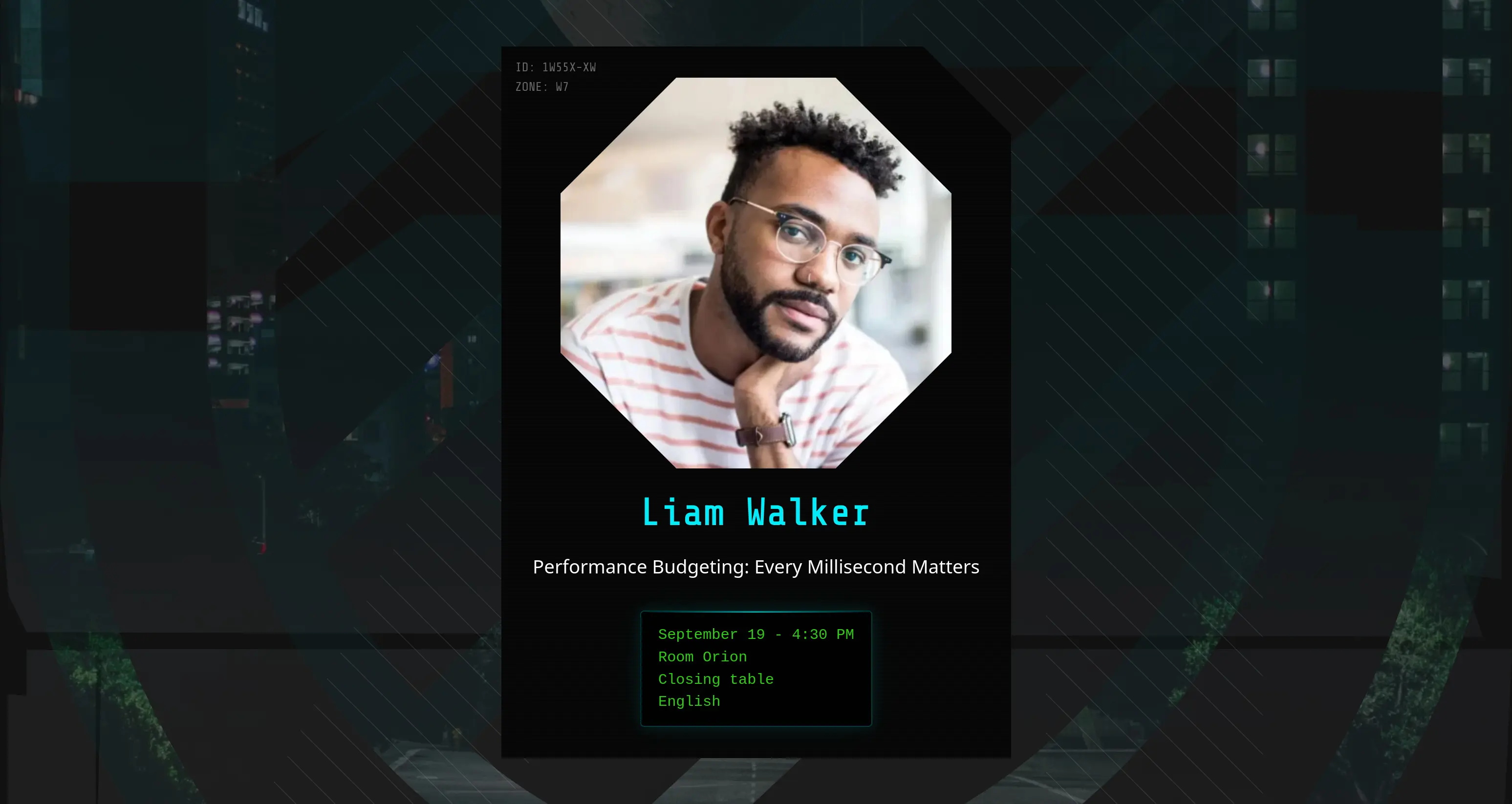
Speakers slideshow screenshot
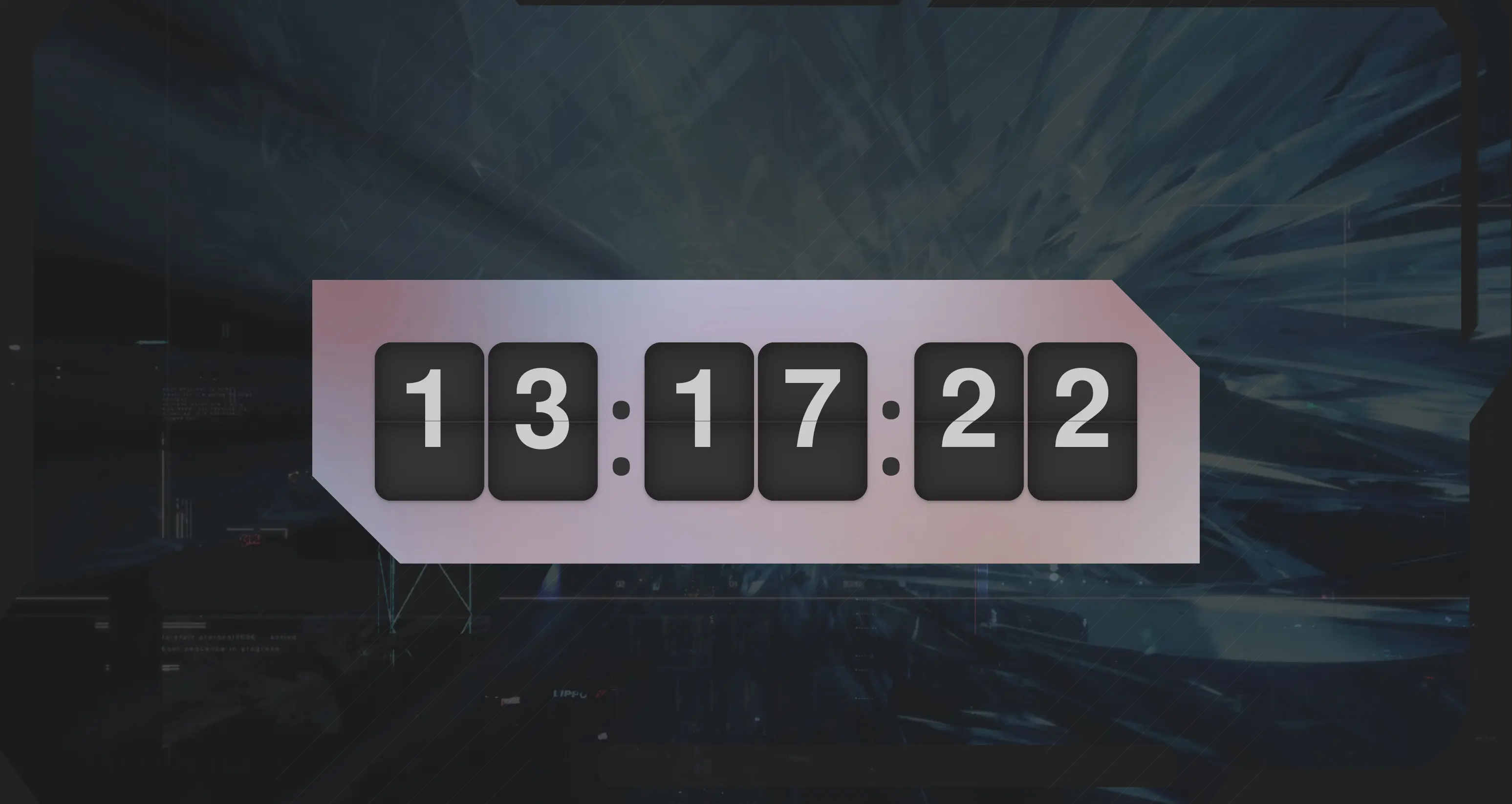
Cyberpunk
Futuristic, urban
Speakers slideshow screenshot
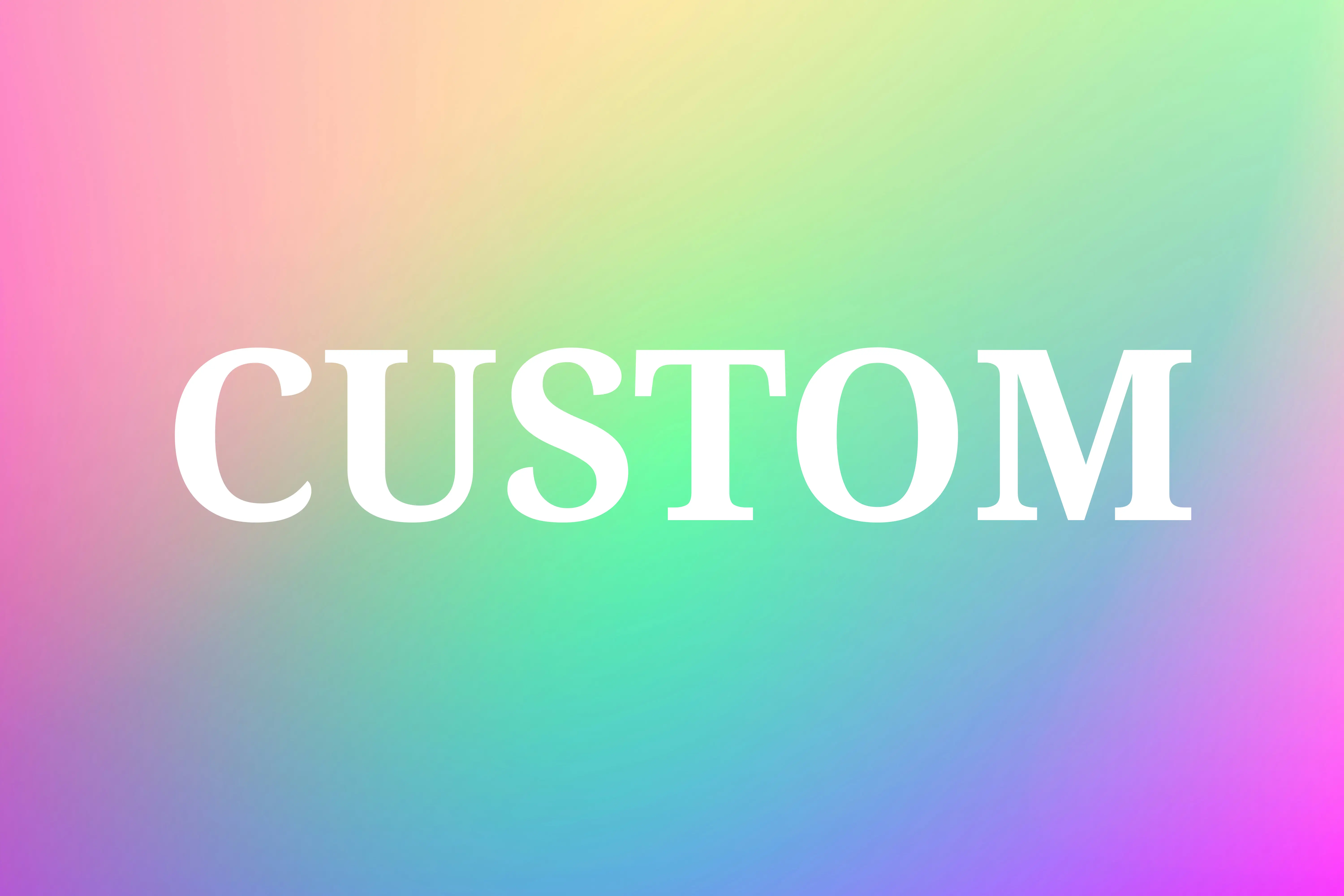
Custom theme
Your graphic identity
Beyond the slideshow

Practical tools

Ready-to-use utilities that will save your organising team valuable time.

Room clock

Clearly visible on a big screen, it helps make sure everyone stays on time.

--:--:--
Learn more ...

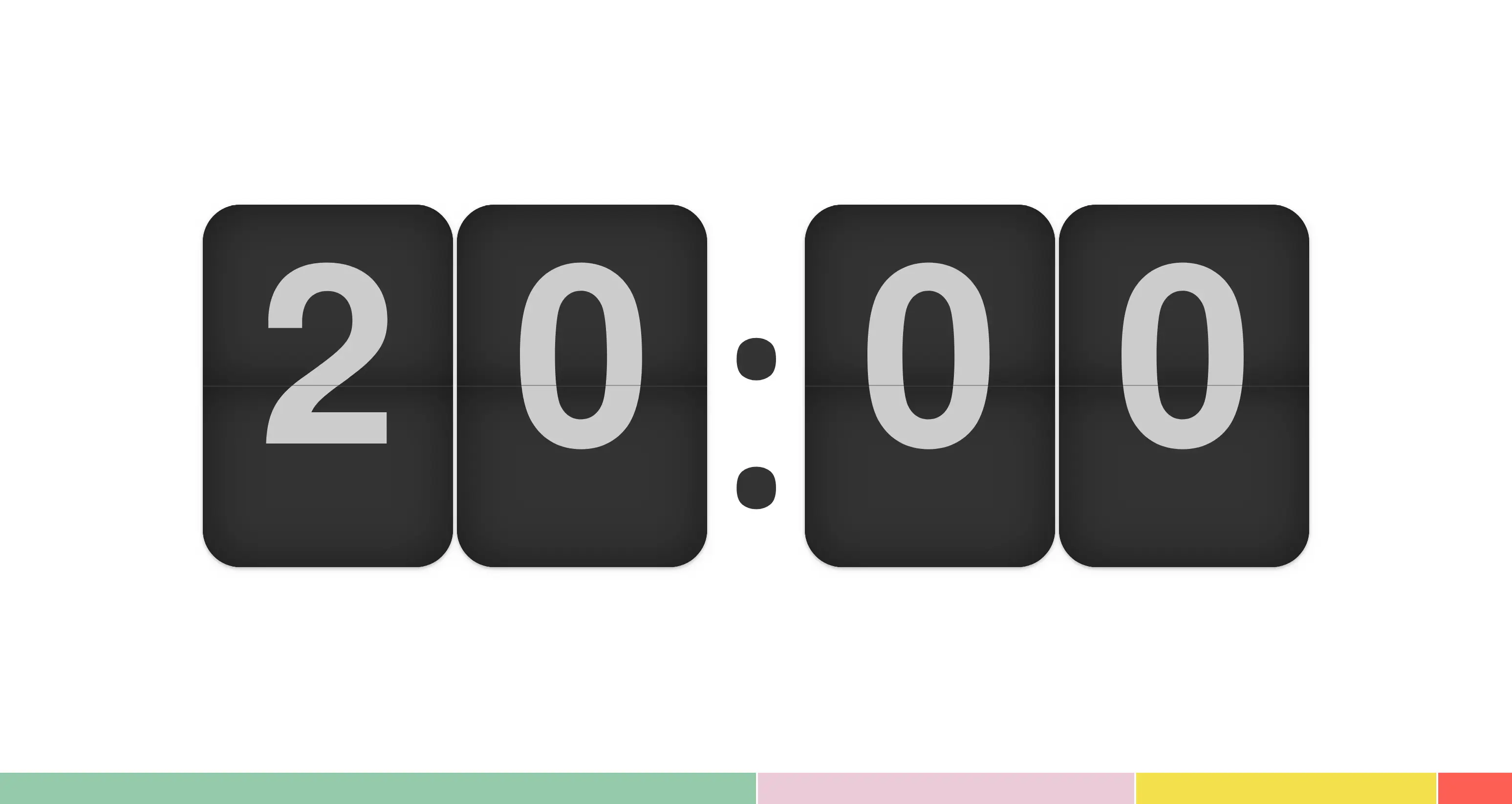
Countdown timer

A countdown timer that can be controlled remotely from a phone or another computer.

05:00
Learn more ...
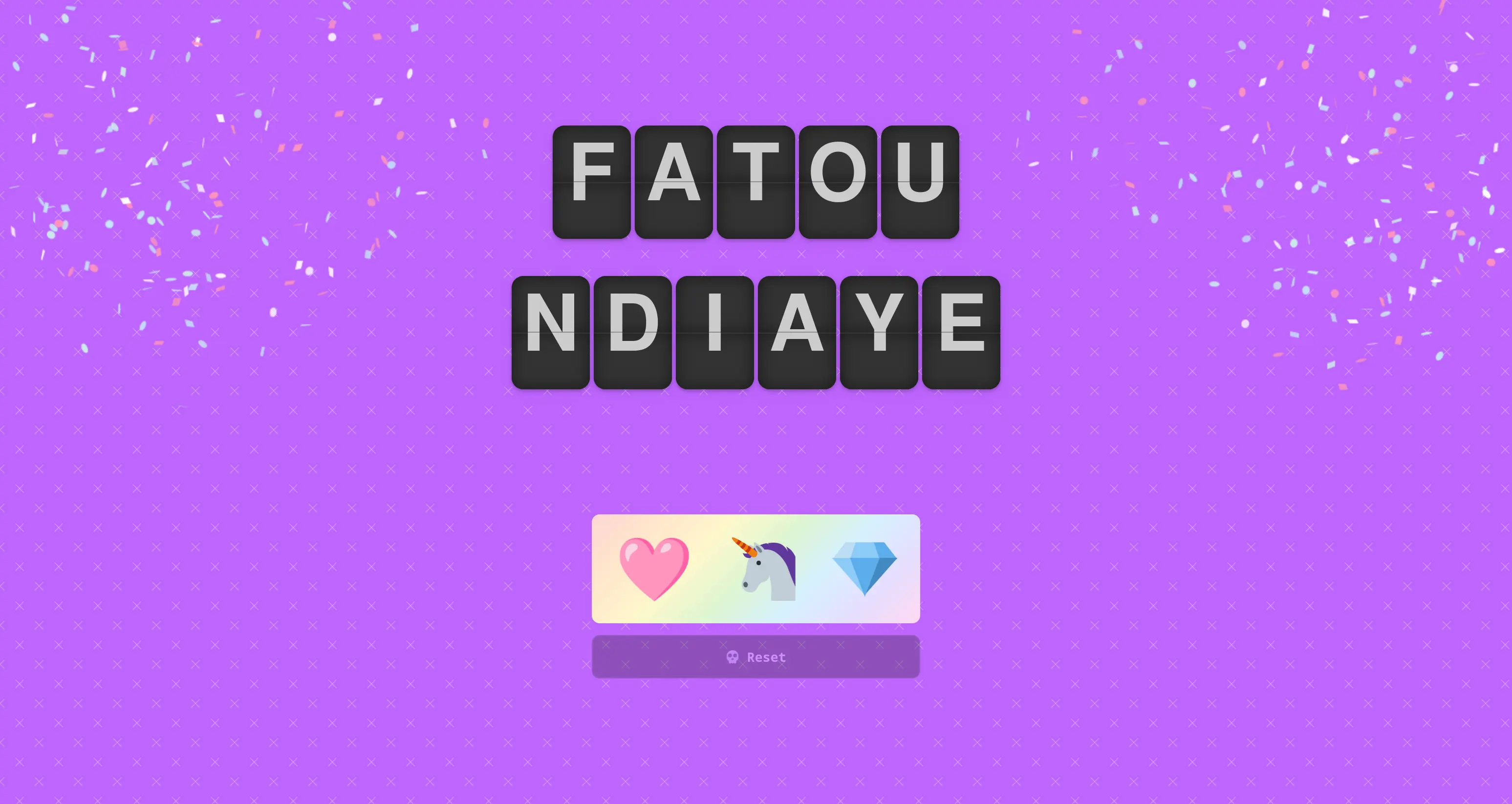
🎲

Prize draw

Distribute your prizes fairly and let chance decide.

Camille R.
Learn more ...
Quick to set up

From creation to screen

Using happyconf.net does not require any special technical skills.

STEP // 01

Choose a theme

Pick the visual style for your event from the available themes. New themes are added regularly, and you can even request a fully custom one.

STEP // 02

Add your content

Speakers, sponsors, announcements, organisers, quotes, tools… everything is managed from your private admin area. A dashboard then gives you quick access to all the slideshows and tools you've set up.

STEP // 03

Broadcast on the room screen

Open your slideshow or tool's link in a web browser and project it on any connected screen, TV or projector. The display updates in real time.

They love happyconf.net

Events of every size

“We stopped throwing together slides the night before. Our sponsors finally get the visibility they'd been asking for over the last two editions.”

Organiser, tech conference, 400 attendees

“The live prize draw really livened up the lunch break. Easy to run, and it completely changed the atmosphere.”

Event manager, trade show
Pricing

Pay per event

No subscription lock-in, you pay per event.

Starter

150$ / event
  • Unlimited screens
  • All slideshow types
  • All visual themes
  • All tools
  • Small "happyconf.net" credit
  • Available for 20 days
  • Email support 5/7 days

For community conferences and meetups. Typically up to 300 attendees.

Choose Starter

Custom

800$ / event
  • Starter or Pro plan
  • Custom visual theme
  • Dedicated support
Choose Custom
Frequently asked questions

What you need to know

If you have any questions that aren't covered in this FAQ, please feel free to contact me.

What equipment do I need to use happyconf.net? +
Any screen, TV or projector that can display a web browser. happyconf.net is a web app, so there's nothing to install.
Do I need an internet connection during the event? +
A stable connection (wifi or 4-5G) is recommended for live updates, but once loaded, the slideshow keeps running even through a brief outage.
Can I get a custom visual theme? +
Yes, you can request one whether you're on the "Starter" or "Pro" plan. The cost of creating the theme is added on top of the plan price. Allow about a week once you've sent me all the materials.
Are my slideshows publicly available on the internet? +
No, to display your slideshows on a screen, you must log in using your email and password.
Once the event is over, what happens to my data? +
After each event, unless you request otherwise, all your data, including your user account, will be deleted. While you are using the happyconf.net app, your data will not be shared with or sold to third parties.
How can I contact you? +
You can reach me by email at: gillesvauvarin [at] happyconf [dot] net
Ready to bring your next event's screens to life?

Create your first slideshow.

No commitment - Nothing to install - Support when you need it